Tutorial 6: Advanced Rendering#
Objective: Learn how to use different rendering techniques for varying quality/performance trade-offs.
What you’ll learn:
Rasterization vs Ray Tracing vs Path Tracing
Configuring render modes in MetaSim
When to use each rendering technique
Prerequisites: Completed Tutorial 5: Hybrid Simulation
Estimated time: 20 minutes
MetaSim supports multiple rendering techniques through Isaac Sim’s rendering backend. Choose based on your quality vs performance requirements.
Technique |
|
Quality |
Speed |
Use Case |
|---|---|---|---|---|
Rasterization |
|
Good |
Fast |
Training, real-time |
Ray Tracing (RTX Real-Time, legacy) |
|
Great |
Medium |
Validation, demos |
Real-Time Path Tracing (RTX Real-Time 2.0) |
|
Great |
Medium |
Interactive path-traced rendering (recent Isaac Sim) |
Path Tracing (RTX Interactive) |
|
Best |
Slow |
Final renders, sim2real |
realtime_pathtracingselects Isaac Sim’s “RTX - Real-Time 2.0” renderer (/rtx/rendermode=RealTimePathTracing). It is only available on recent Isaac Sim builds; on older builds MetaSim raises an explicit error so you can fall back toraytracingorpathtracing.
Running the Tutorial#
python get_started/6_advanced_rendering.py --render.mode=[rasterization|raytracing|pathtracing|realtime_pathtracing]
you can also render in the headless mode by adding --headless flag. By using this, there will be no window popping up and the rendering will also be faster.
By running the above command, you will simulate a hybrid system and it will automatically record a video. Here we demonstrate how to use one simulator for physics simulation and another simulator for rendering.
Examples#
Ray Tracing#
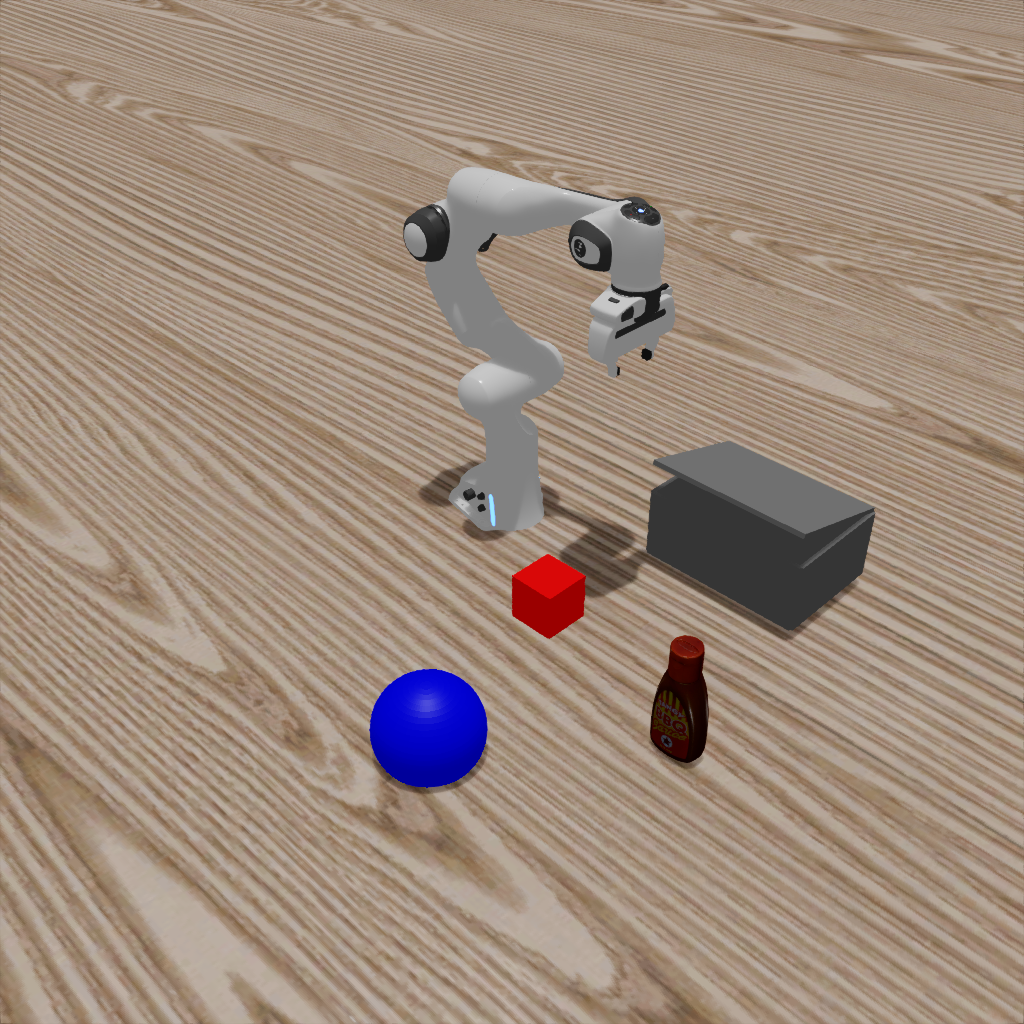
python get_started/6_advanced_rendering.py --render.mode=raytracing
Path Tracing#
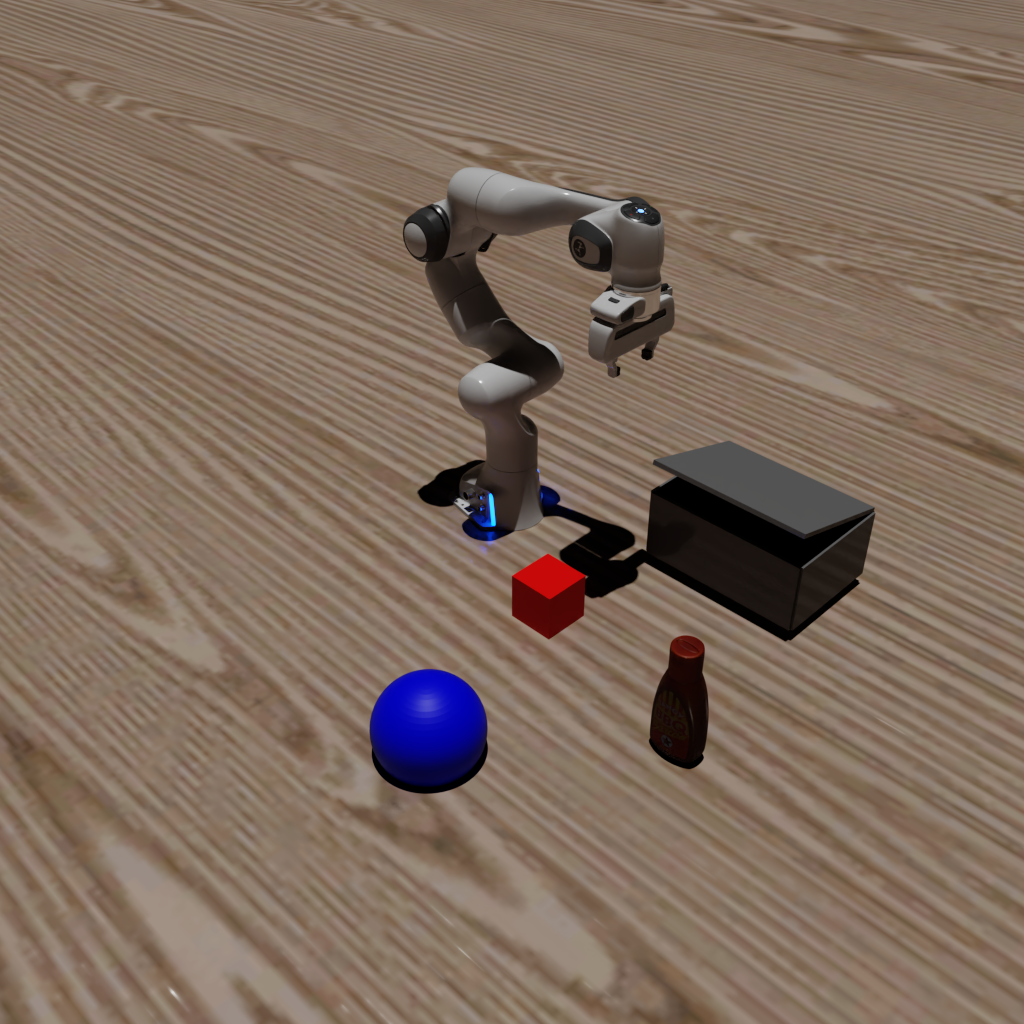
python get_started/6_advanced_rendering.py --render.mode=pathtracing
You will get the following images:#
Ray Tracing |
Path Tracing |
|---|---|
|
|